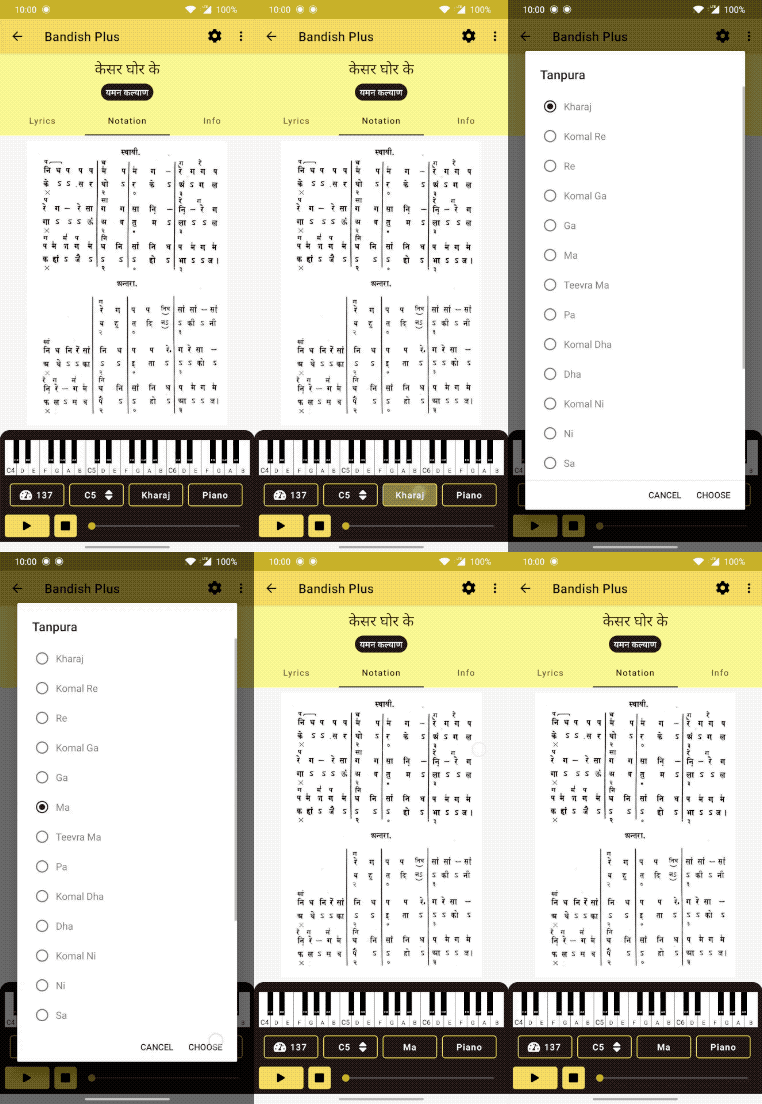
To change tanpura In the details page, click on the third button from the left, below the Live Piano View A dialog opens, from there you can use choose the desired tanpura About the product View all tutorials