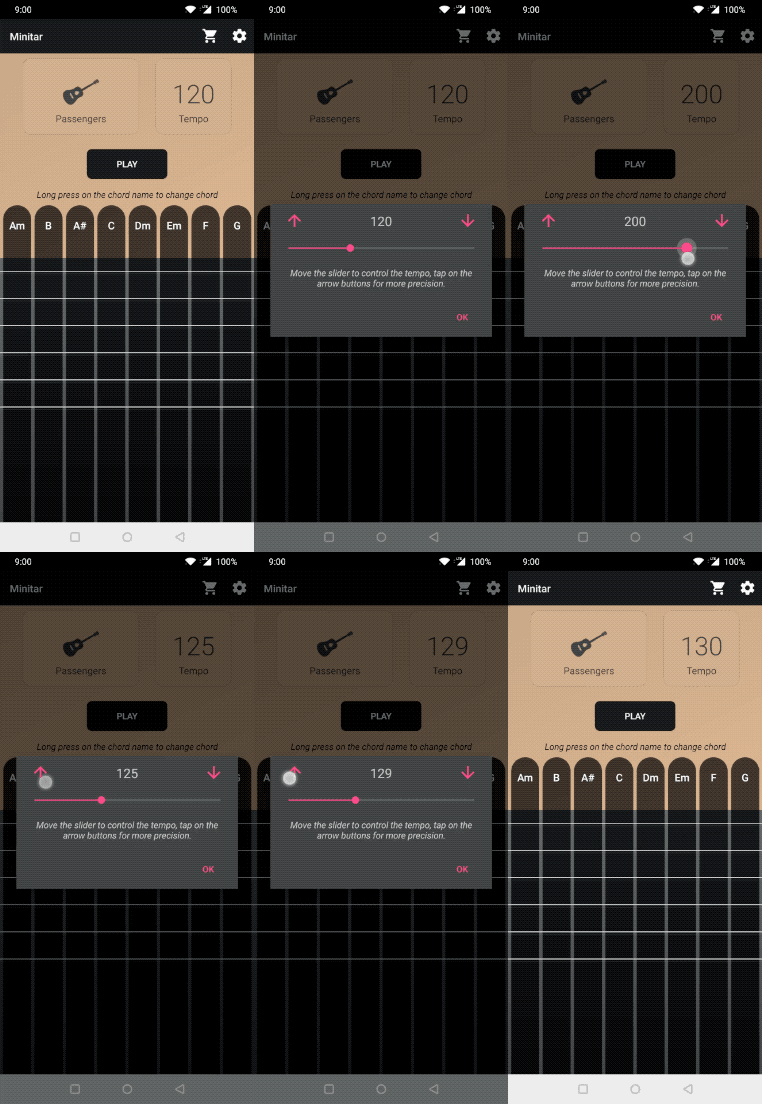
To change tempo
- Tap on the button named tempo. The button also displayes the current set tempo
- A window appears
- You can increase or decrease tempo by using the slider or by tapping the button on either side of the slider for more fine grain adjustments