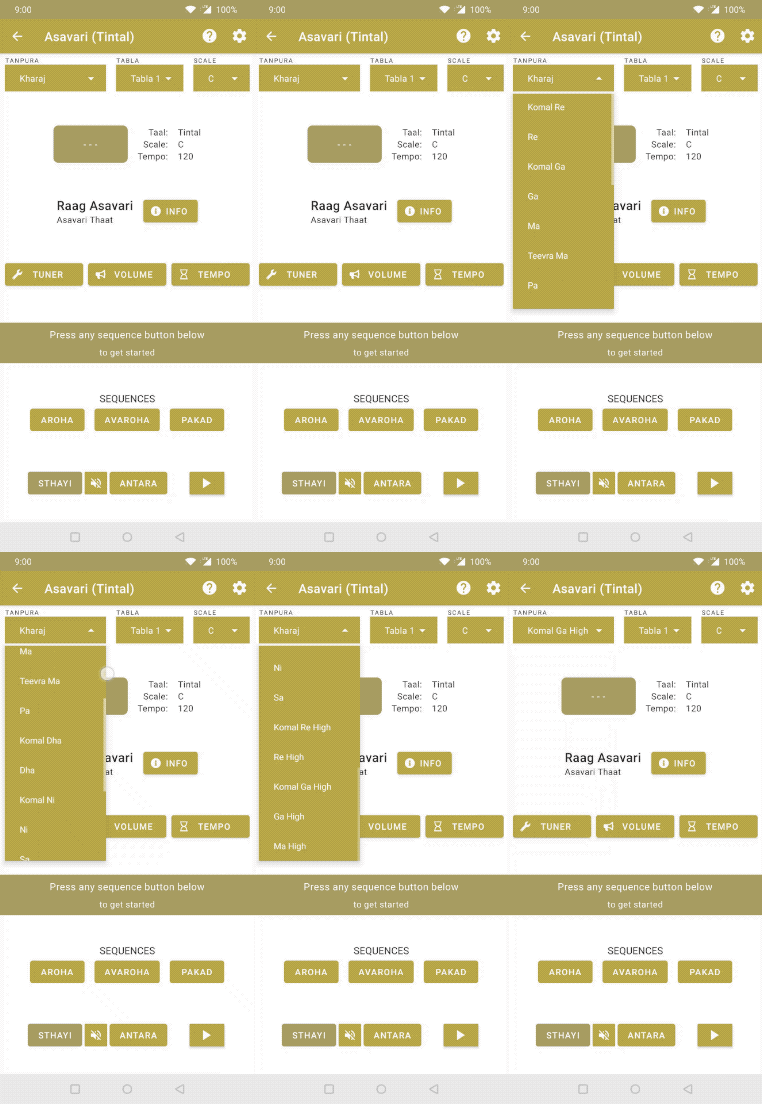
To change tanpura
- Goto the player page by selecting any taal from the home page
- Click on the button at the top right of the screen under the text: SCALE
- After that you will be provided with a list of scales, choose the one you want
PRO users get many more tanpura options.