This is applicable for only Android users.
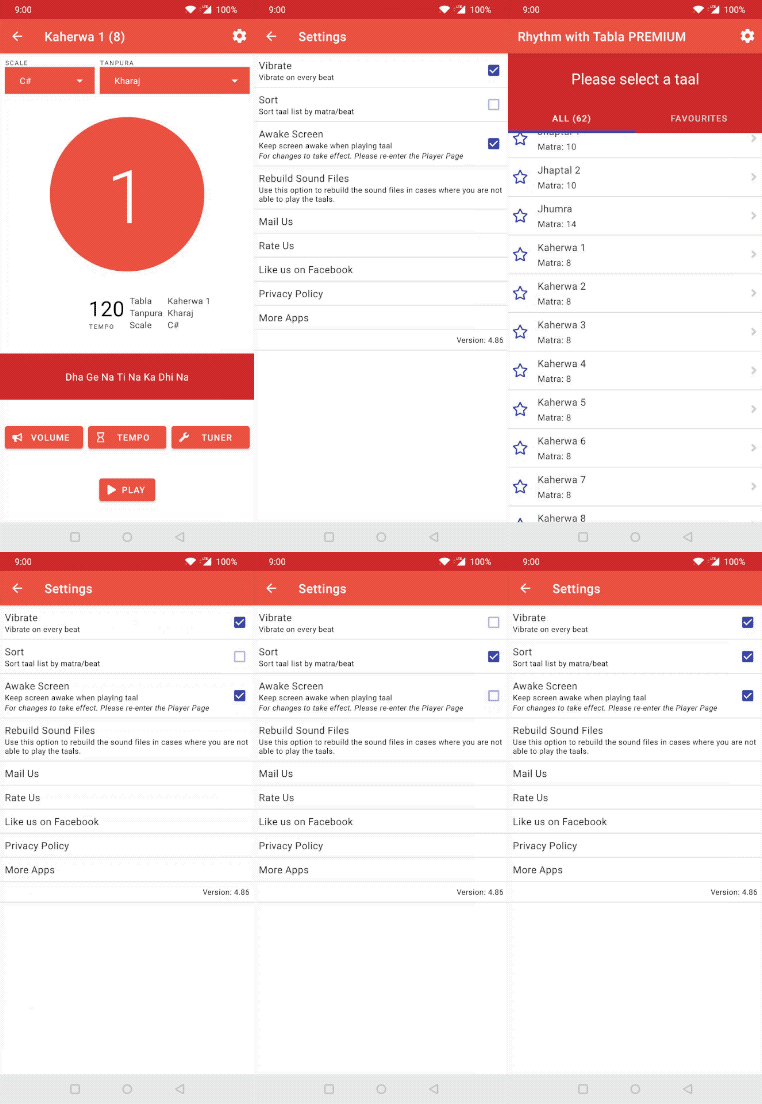
To stop device from vibrating
- Goto the settings page by clicking on the settings icon located at the top right of the screen
- Uncheck the option: Vibrate

This is applicable for only Android users.
To stop device from vibrating