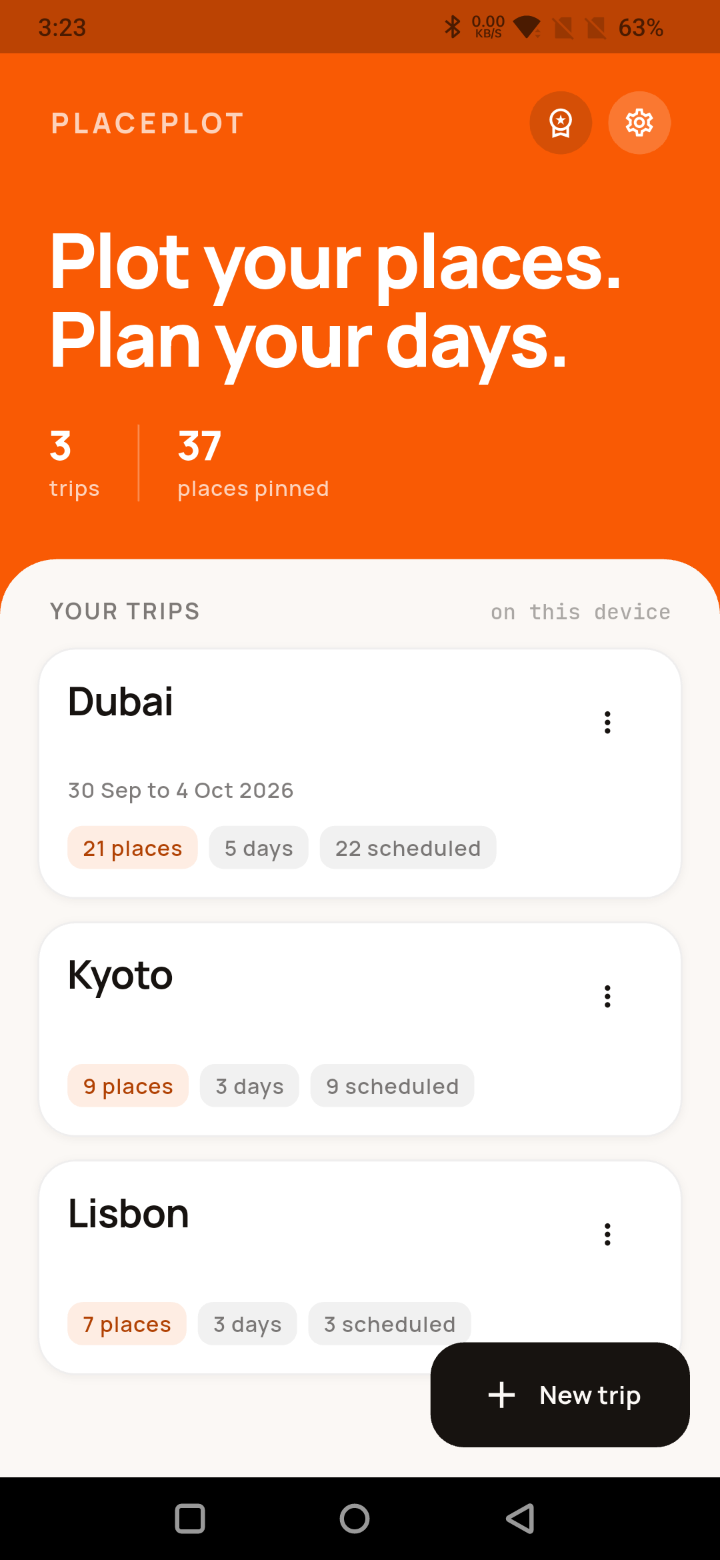
PlacePlot is a trip planner that works the way you actually plan. Pin every place you want to see on one map, then turn it into a day-by-day itinerary you can follow.
WHAT YOU CAN DO
- Pin places on a Google map and see the whole trip at once
- Paste a Google Maps link, or type latitude and longitude
- Make your own categories with your own colours and icons
- Measure the distance between a chain of places
- Build a day-by-day timetable by dragging places onto it
- Add blocks that are not places, like travel, meals and rest
- Set each trip's own start and end hours
- Write notes and addresses on any place
- Share the whole trip as a PDF
- Export a trip as GPX, KML or a JSON backup, and import it back
- Back up and restore your entire library
- Light and dark, kilometres or miles
- Open any place in the Google Maps app for turn-by-turn directions
PUT THE WHOLE TRIP ON ONE MAP
Everything you have been saving up goes on one map, so you finally see the shape of the trip. Paste a Google Maps link and the place lands where it should. Your own categories and colours keep the beaches, the food and everything you promised the kids apart at a glance.
KNOW WHAT IS WORTH DOING ON THE SAME DAY
A list of place names never tells you which two are ten minutes apart and which are across the city. Pick a few pins and PlacePlot draws the line and gives you the distance, in kilometres or miles, so a day stops being guesswork. When you are ready to actually go, hand the place off to Google Maps for real directions.
THEN GIVE EVERY DAY A SHAPE
Drag a place onto a day and it becomes a block you can slide to a new time or stretch to a longer visit. Add the things that are not places at all, a train, a nap, dinner with someone. Set your own hours so an early start or a long evening fits. Days are just days, so a trip works before you have booked a single date.
SHARE THE PLAN WITH WHOEVER IS COMING
One tap turns the trip into a PDF: the places, the categories, and every day laid out hour by hour. Send it in a message, print it, or keep it for the flight. Nobody needs the app to read it. If you want the raw data instead, a trip also exports as GPX, KML or a JSON backup that carries the itinerary too.
WHO ACTUALLY USES IT
Mostly people planning their own trip: a family working out a week abroad, a road trip, a weekend in a city nobody has been to before, a group holiday where everyone wants the plan without installing anything. It gets used for a conference week and the odd day of flat hunting too.
The PDF has quietly become the reason a few people use it for work. A travel agent can build the trip properly, pins, days and times and all, then send the client a clean itinerary they can read on the plane, with no app to install and no login. It works the same way for a guide handing a route to a guest, a wedding planner pinning the venue, hotel and dinner, an estate agent laying out a day of viewings in an order that makes sense, or a scout plotting locations for a shoot. If part of your job is telling people where to be and when, this does that job.
NOBODY ELSE SEES YOUR TRIP
There is no account to make, no email to hand over, and no server of ours behind this app. Your trips, your pins and your day plans are saved on your phone and nowhere else. Nothing is uploaded, nothing is synced, and nothing is shared unless you send it yourself. There are no ads, no analytics and no tracking of any kind. The map tiles do come from Google, so you need a connection to see the map itself, but what you put on top of it never leaves the device.
PlacePlot is free to start. An optional one-time unlock lifts the trip limit and adds your own categories, with no subscription and nothing that expires.